
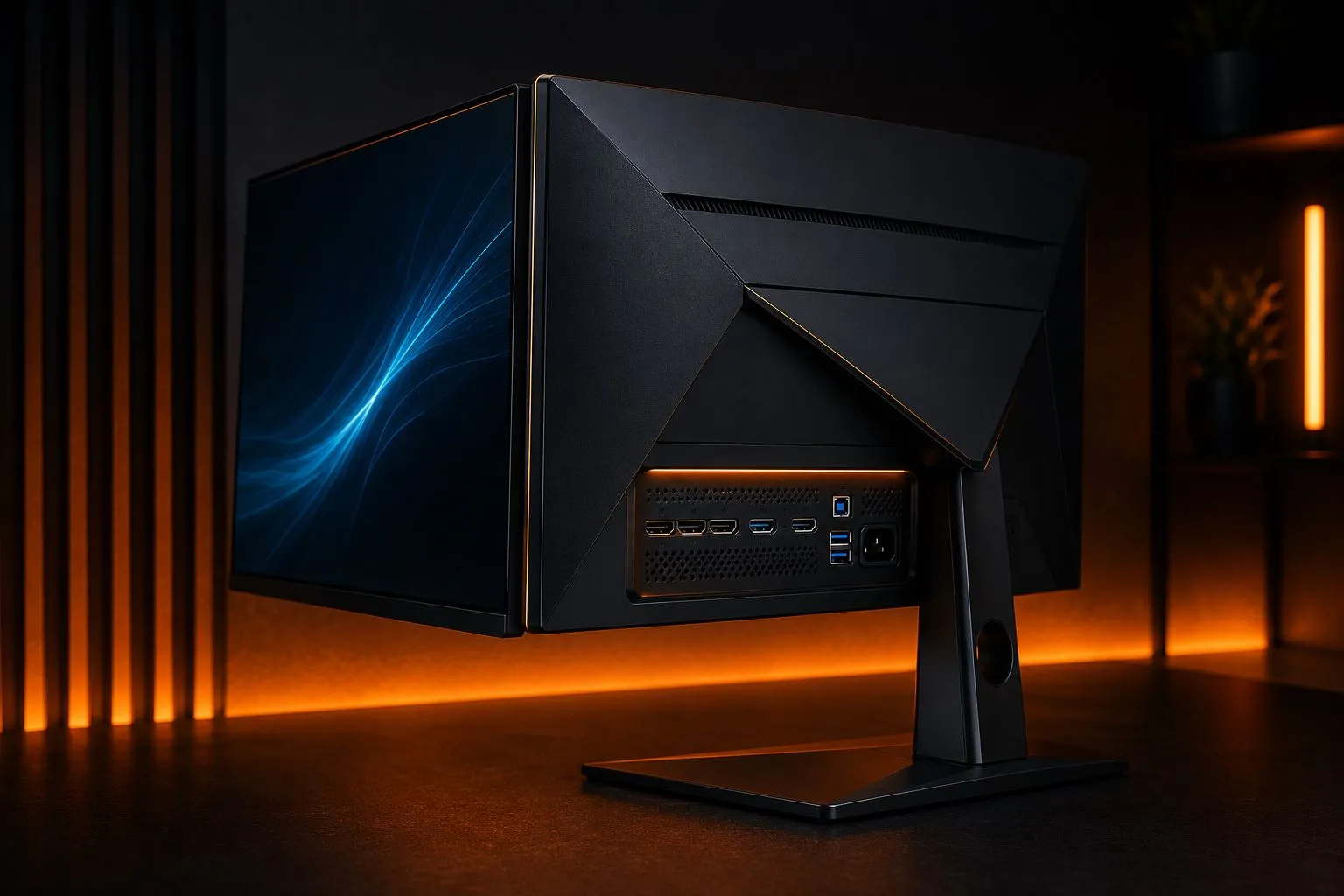
A gaming monitor should match the computer or console connected to it. Buying the most impressive specification on the box can be wasteful if the hardware cannot use it, the ports limit its features or the screen is uncomfortable at your normal viewing distance.
Start with your system and your games
Write down the device you will connect, the games you play most often and the performance that device normally produces. Competitive games, cinematic adventures and mixed work-and-gaming use place different demands on a display.
A very high refresh rate may be valuable for fast games, while a higher resolution or stronger contrast may matter more for slower single-player experiences. If the monitor will also be used for reading, editing or office work, text clarity and ergonomic adjustment deserve equal attention.
Consider size and resolution together
A larger screen can make games more immersive, but increasing size without enough resolution may make individual pixels easier to notice. Viewing distance matters as much as the number printed on the box. Our guides to choosing monitor size and 1440p vs 4K go deeper on both.
Measure the available desk depth and width before shopping. Leave room for the stand, keyboard and comfortable mouse movement. If the desk is shallow, an oversized monitor can force you to move your head constantly or sit too close to the image.
Refresh rate is only part of motion quality
Refresh rate describes how often the screen can update, but a high number alone does not guarantee clear motion. The perceptible gain from each step up is smaller than the last, as our refresh rate explainer breaks down in more depth. Pixel response, overdrive tuning and consistency across different refresh rates also matter. Poor tuning can create visible trails or bright outlines behind moving objects.
Independent motion testing is more useful than a single response-time claim. When reading a review, look for results across several refresh rates rather than one best-case measurement. A monitor should remain well behaved when a game’s performance changes. Matching your in-game frame-rate target to what the display can actually show is exactly the tuning problem our guide to smooth PC gaming walks through.
Variable refresh rate can make changing performance feel smoother
Variable refresh rate allows the display to adjust its refresh timing as game performance changes, reducing visible tearing in supported situations. Check compatibility with the system you use and confirm the effective refresh range. Our VRR and Adaptive Sync explainer covers what that range actually means and what the FreeSync/G-SYNC labels tell you before you buy.
Console players should verify the resolutions and refresh modes available through the monitor’s actual ports. A display may advertise a feature that is available only through one connection type or with a specific configuration. PC players should also confirm that their graphics card provides the required output.
Treat HDR labels with caution
High dynamic range can produce brighter highlights and deeper contrast, but an HDR label alone does not describe the quality of the result. Peak brightness, black level, local dimming behaviour, colour performance and game support all affect the experience.
Read measurements and real reviews instead of assuming that every HDR-compatible monitor will deliver a dramatic upgrade. A good standard-range image can look more consistent than poorly implemented HDR. Our HDR for gaming guide explains what each certification tier actually requires, and panel type matters too: see OLED vs IPS for gaming.
Ports and everyday usability matter
List every device you plan to connect. Check the number and capability of HDMI and DisplayPort connections, audio output, USB ports and any switching features. If you use a laptop, confirm whether a single cable can handle display, data and suitable charging.
A stable stand with height, tilt and swivel adjustment can improve every session. Accessible controls, a clear settings menu and quick input switching are small features that become important when the monitor is used every day.
Make a shortlist based on priorities
Choose the two qualities that matter most:
- sharper detail and workspace;
- smoother motion and low latency;
- stronger contrast for dark scenes;
- accurate colour for mixed creative use;
- simple connectivity for several devices.
Then compare displays that meet those priorities within your complete budget. Include the possible cost of a monitor arm, cables or speakers rather than comparing screen prices alone.
The best gaming monitor is not the one with the longest specification list. It is the display that fits your hardware, room and favourite games without forcing you to pay for features you cannot use.
Sources
Facts in this guide were checked against these pages in October 2026:
- Motion blur and response time test methodology (RTINGS)
- DisplayHDR performance criteria (CTS 1.2) (VESA)
- G-SYNC monitors (NVIDIA: G-SYNC Ultimate, G-SYNC and G-SYNC Compatible tiers)
- AMD FreeSync (AMD: FreeSync, Premium and Premium Pro tiers)