
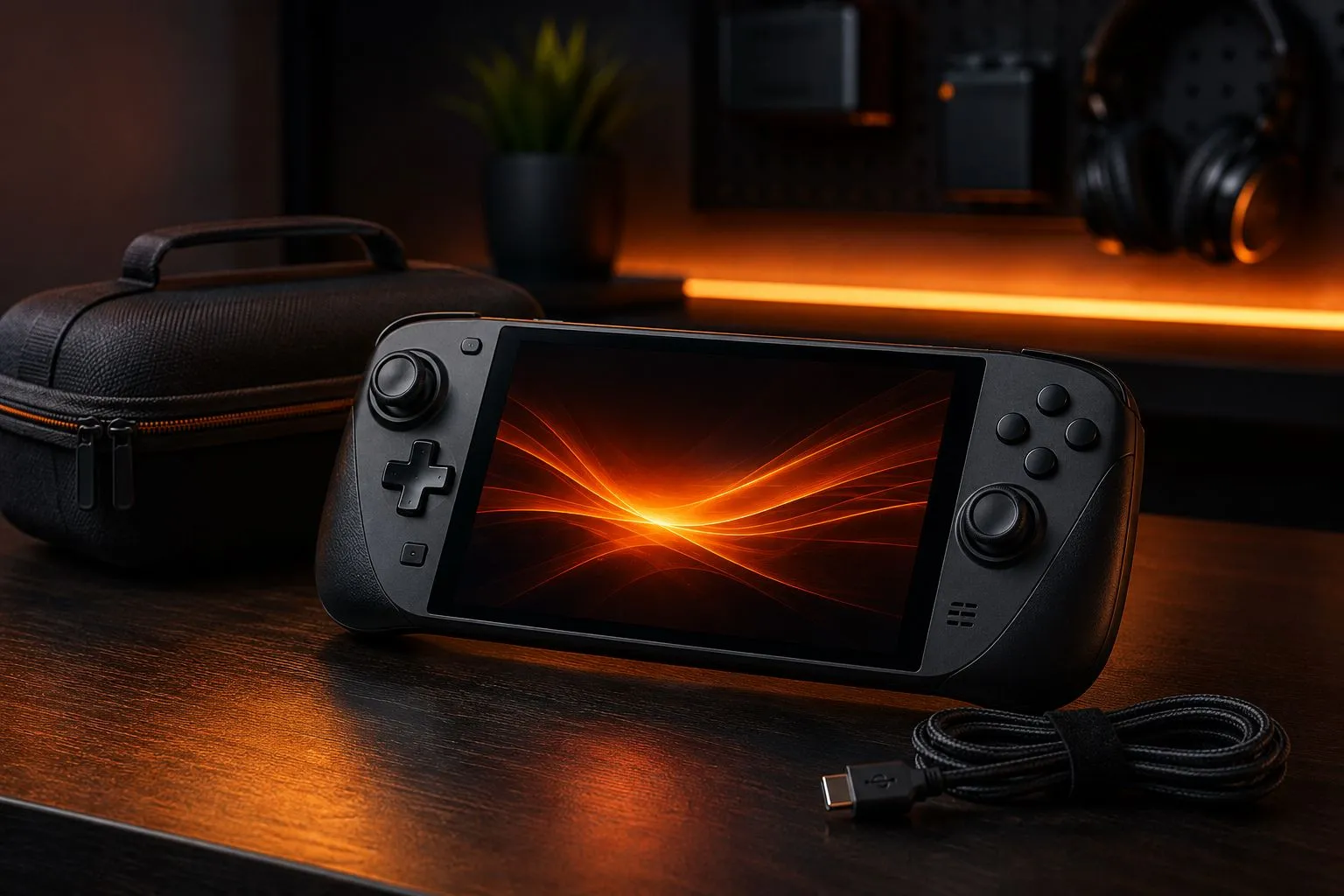
A handheld gaming device is most useful when it remains easy to pick up and play. If you’re still deciding whether a handheld is the right platform for you in the first place, our guide to choosing a gaming platform covers that decision. This one assumes you’ve already got one. Accessories can improve the experience, but buying every available case, dock and adapter often adds cost without solving a real problem. The strongest setup is built around where and how you actually play.
Identify the real use case
Think about a normal week. Do you mostly play on the sofa, during a commute, on flights or at a desk connected to a monitor? A travel-focused setup needs protection and simple charging. A home-focused setup may benefit more from comfort, a dock and an external controller.
Avoid buying accessories for an imagined routine. Use the handheld for several sessions first and write down the moments that create genuine friction. Those problems should decide what you buy.
Comfort comes before decoration
Play for at least thirty minutes before deciding that you need a grip. Pay attention to wrist angle, device weight and how easily you can reach the shoulder buttons. A larger grip can help during long sessions, but it may also make the device heavier and too large for the original case.
If your hands become numb or painful, stop and change position. An accessory cannot compensate for every posture problem. Short breaks, supported elbows and a screen held closer to eye level can be more valuable than another piece of plastic.
Protect the screen and controls
A well-fitted screen protector is a reasonable first purchase for a device that travels. Choose a case that does not press against the analogue sticks or power button when closed. The case should protect the handheld without trapping excessive heat or forcing you to carry a much larger bag.
Keep chargers, adapters and loose cables away from the screen. A small internal pocket is useful, but an overfilled case can place pressure on the display. Before travelling, gently shake the closed case and confirm that nothing moves across the device.
Match battery expectations to the game
There is no single battery estimate that applies to every game. Demanding 3D titles use more power than lightweight games, and screen brightness, wireless features and performance settings also affect a session.
Begin by lowering brightness to a comfortable level and choosing a frame-rate cap that suits the game. A sensible performance profile can extend play time without making the experience unpleasant. For a long trip, downloading a few lighter games can be more effective than trying to force maximum battery life from the most demanding title.
Buy charging equipment carefully
Follow the device manufacturer’s charging specifications. A charger that physically fits is not automatically suitable. Check supported power output, cable rating and the plug required in the country where it will be used. This is especially important when travelling between the United States, Australia and other regions with different wall plugs.
A power bank is useful only if it supports the output your handheld expects and if its capacity is allowed in your method of travel. Confirm airline and transport rules before packing it. Avoid unverified high-capacity products from unknown sellers.
Plan storage around the games you play
Install the games you actively use and archive the rest before buying the largest possible expansion. Large libraries can become harder to manage, and storage does not improve the experience if most installed games remain untouched.
If the device supports removable storage, choose a reputable product from a trusted seller and confirm compatibility with the manufacturer’s guidance. Suspiciously cheap cards can report false capacity or fail during large transfers. Keep important saves synchronised or backed up when the platform provides that option.
Decide whether a dock solves a real problem
A dock is valuable if you regularly connect the handheld to a television, monitor, wired network, keyboard or external storage. For occasional charging, a compatible power adapter may be enough.
Before buying, check display output, supported resolution, refresh rate, charging power and the number of ports you will actually use. A dock with many connections is not automatically better if the display output or power delivery does not match the device.
Build the setup in three stages
- Protection: a suitable case and, if desired, a screen protector.
- Reliability: the correct charger, one good cable and enough storage for current games.
- Convenience: a grip, dock, controller or power bank only after a repeated need appears.
The ideal handheld setup is the smallest collection of accessories that removes genuine friction. If an item does not improve comfort, protection, charging or connectivity, it probably does not need to be in your bag.
Sources
Facts in this guide were checked against these pages in October 2026:
- Lithium batteries in baggage (FAA: 100 Wh limit per battery)
- Steam Deck tech specs (Valve: charging and storage specifications)